

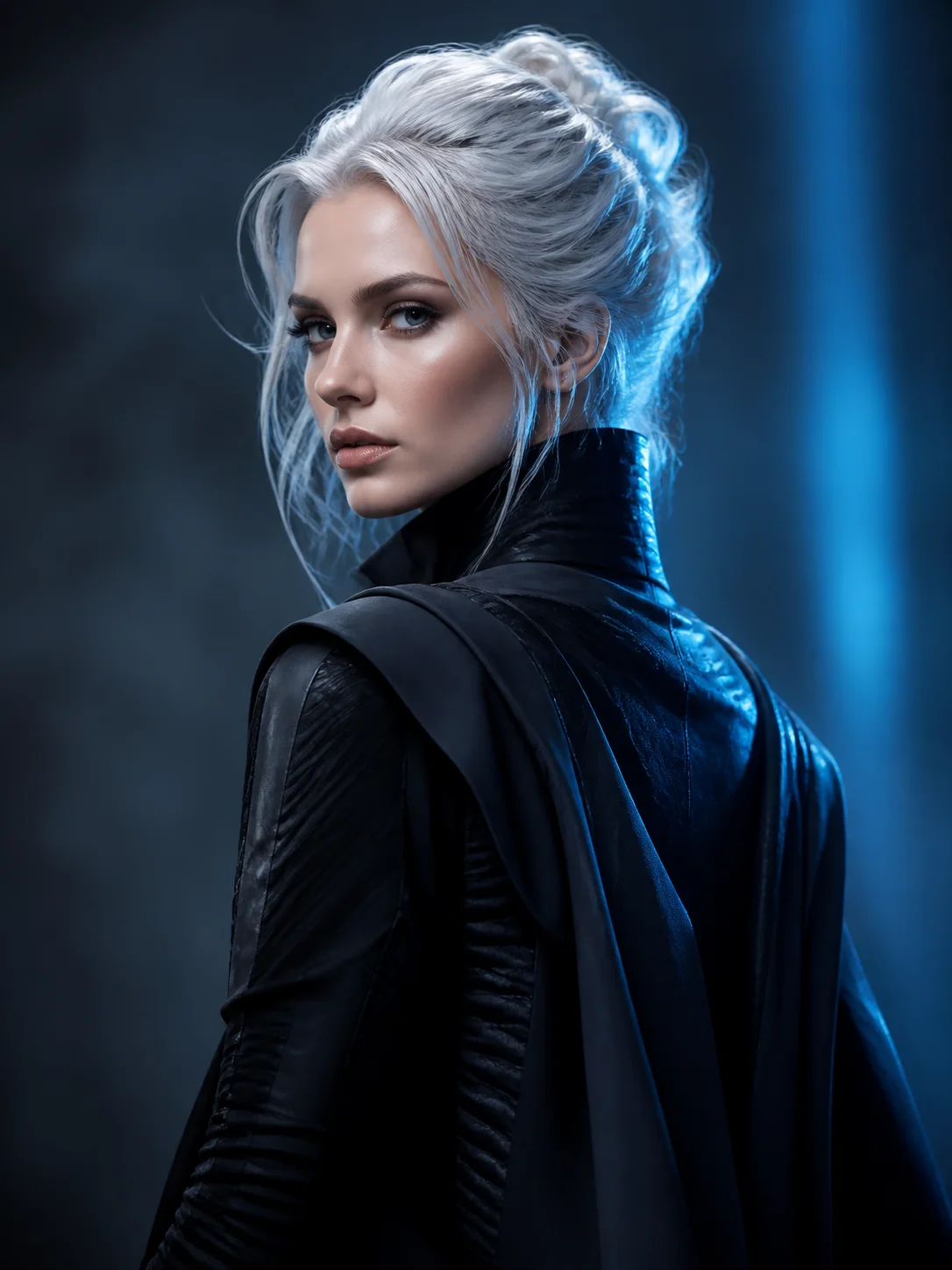
Visual characteristics
Turn a portrait or character photo into anime artwork with clean linework, expressive features, and clear cel-shaded color.
Anime imagery uses clear contour lines, simplified color, recognizable outlines, and emphasis on important facial features. Strong results feel clearly stylized while keeping the subject recognizable.
Subjects that suit this style
- Front-facing portraits with visible facial features
- Characters with a clear pose and recognizable outline
- Simple scenes where the subject remains the focal point
Recommended reference images
- Use a sharp portrait or character image with even light and an unobstructed face.
- Avoid tiny faces, heavy motion blur, and hands covering important features.
- A simple background gives the model more room to preserve the subject cleanly.
How to apply the Anime AI Filter
Choose a suitable reference
Use a sharp portrait or character image with even light and an unobstructed face.
Add optional style preferences
If you have specific preferences, use the prompt box to describe the look you want and any people, composition, or product details that should stay unchanged. Leave it blank to use the default style.
Generate and review
Review the displayed credit estimate, submit the task, then check the generated result in Workspace.
What the Anime AI Filter changes
Expect facial proportions, hair shapes, edges, color blocks, and lighting to become more illustrative. Fine photographic texture is usually simplified into line and cel-shaded detail.
Limits to review
Small text, logos, complex fingers, and exact facial identity may drift. Review eyes, hands, accessories, and any detail that must remain brand-accurate.
Suitable use cases
- Profile avatars and character portraits
- Visual-novel or social character concepts
- Illustrated versions of cosplay and fashion photos
Compare related styles
Try another style when the subject or intended use needs a different look.
- Manga — Anime
Style questions
- What defines this visual style?
- Clean contours, simplified color planes, expressive eyes, and selective shading create an illustrated result rather than a filtered photograph.
- What kind of image works best?
- A well-lit portrait or character image with a clear face, readable hair shape, and limited background clutter gives the best starting structure.
- What will change in the source image?
- Expect facial proportions, hair shapes, edges, color blocks, and lighting to become more illustrative. Fine photographic texture is usually simplified into line and cel-shaded detail.
- Which details need the closest review?
- Small text, logos, complex fingers, and exact facial identity may drift. Review eyes, hands, accessories, and any detail that must remain brand-accurate.
- What is this style useful for?
- Common uses include Profile avatars and character portraits; Visual-novel or social character concepts; Illustrated versions of cosplay and fashion photos. Choose another style when the subject or final use needs a different medium, level of realism, or visual emphasis.