

VISUAL DIRECTION
AI Art Styles
Browse AI image styles and professional visual styles, then compare color, light, material, composition, and suitable subjects before applying an AI art filter to a reference image.
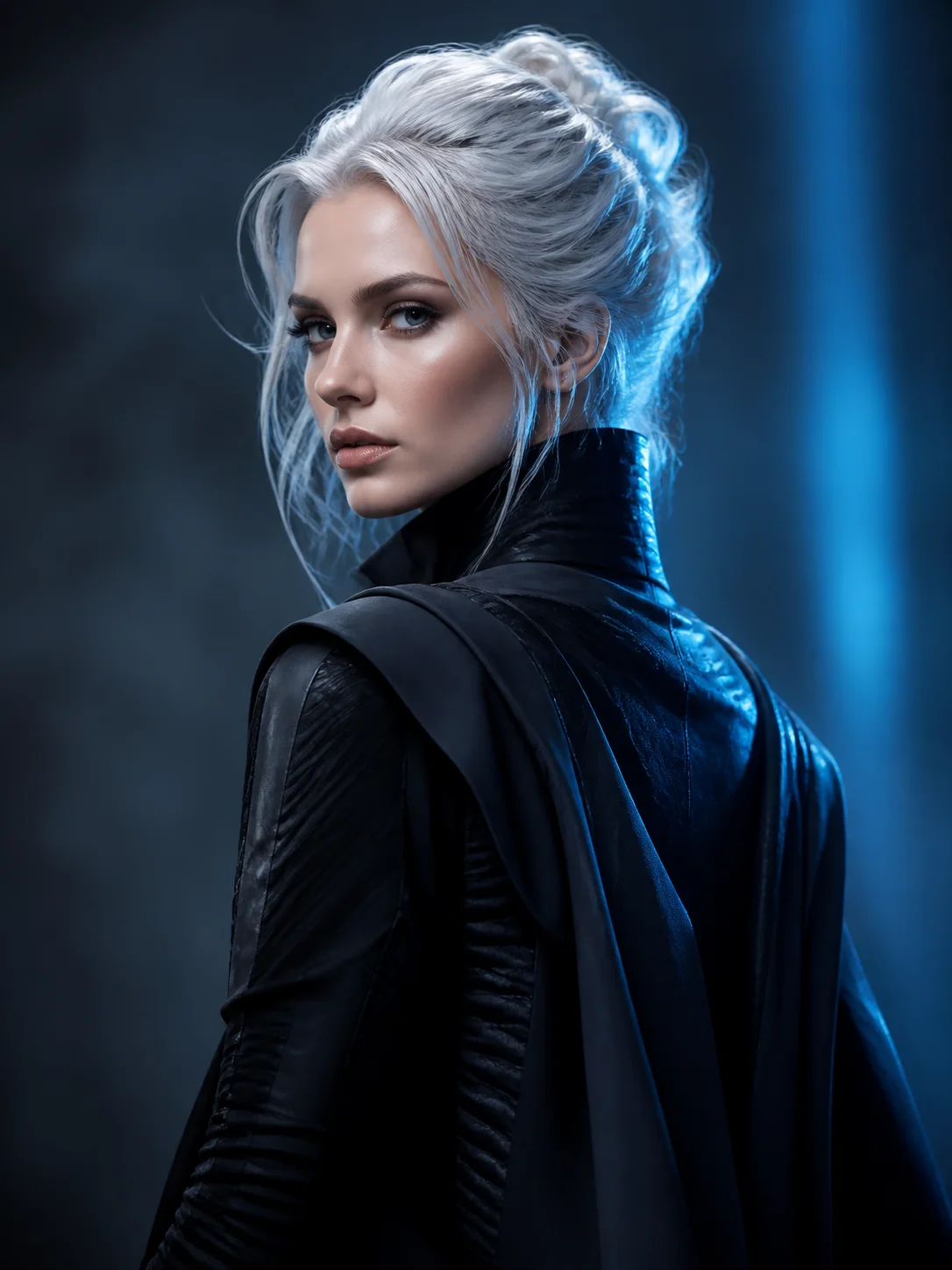

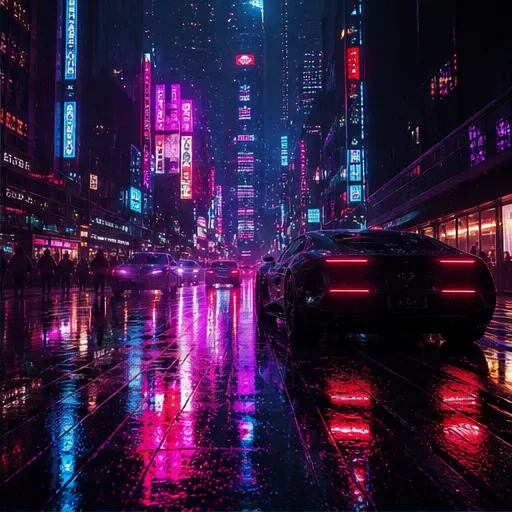
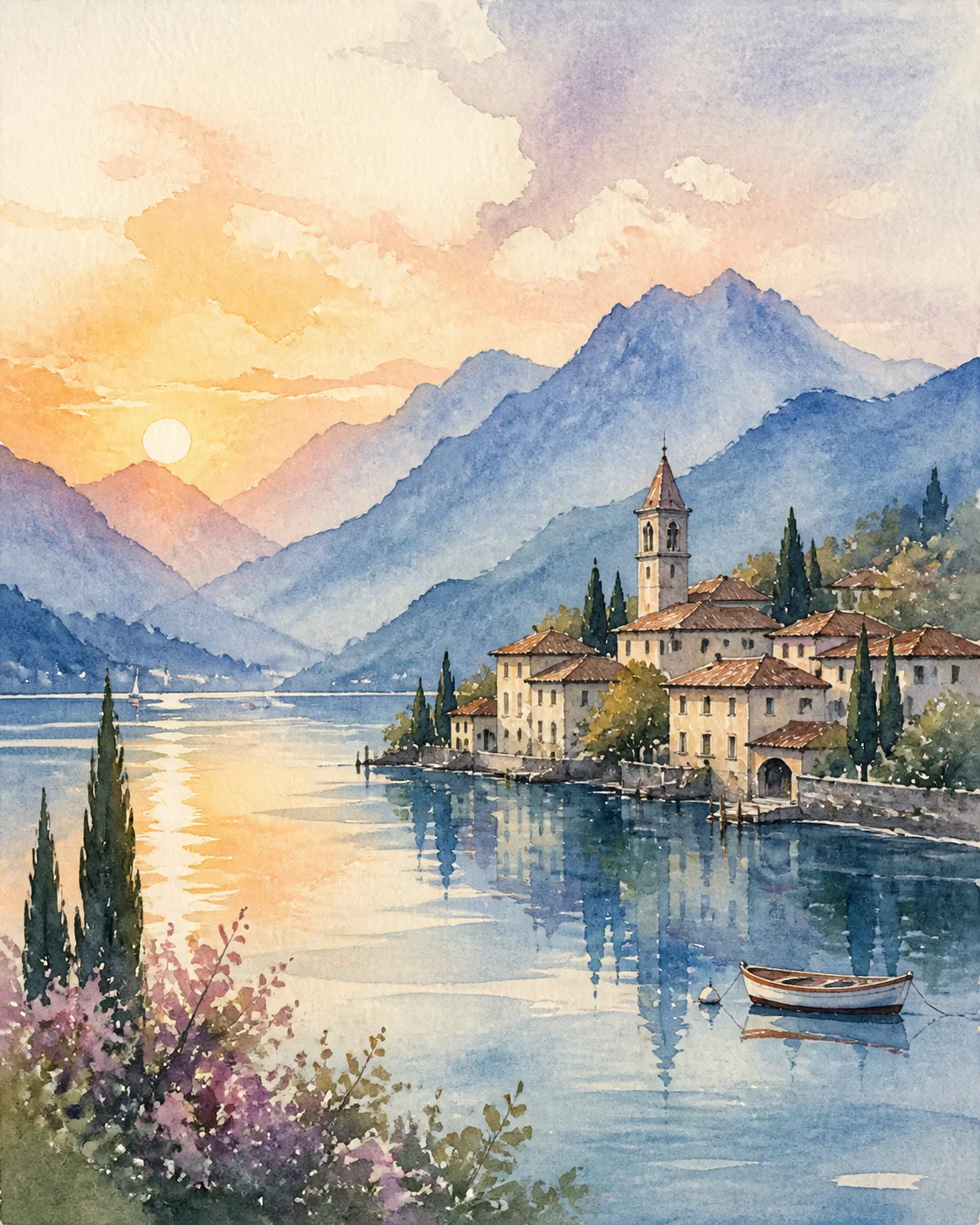
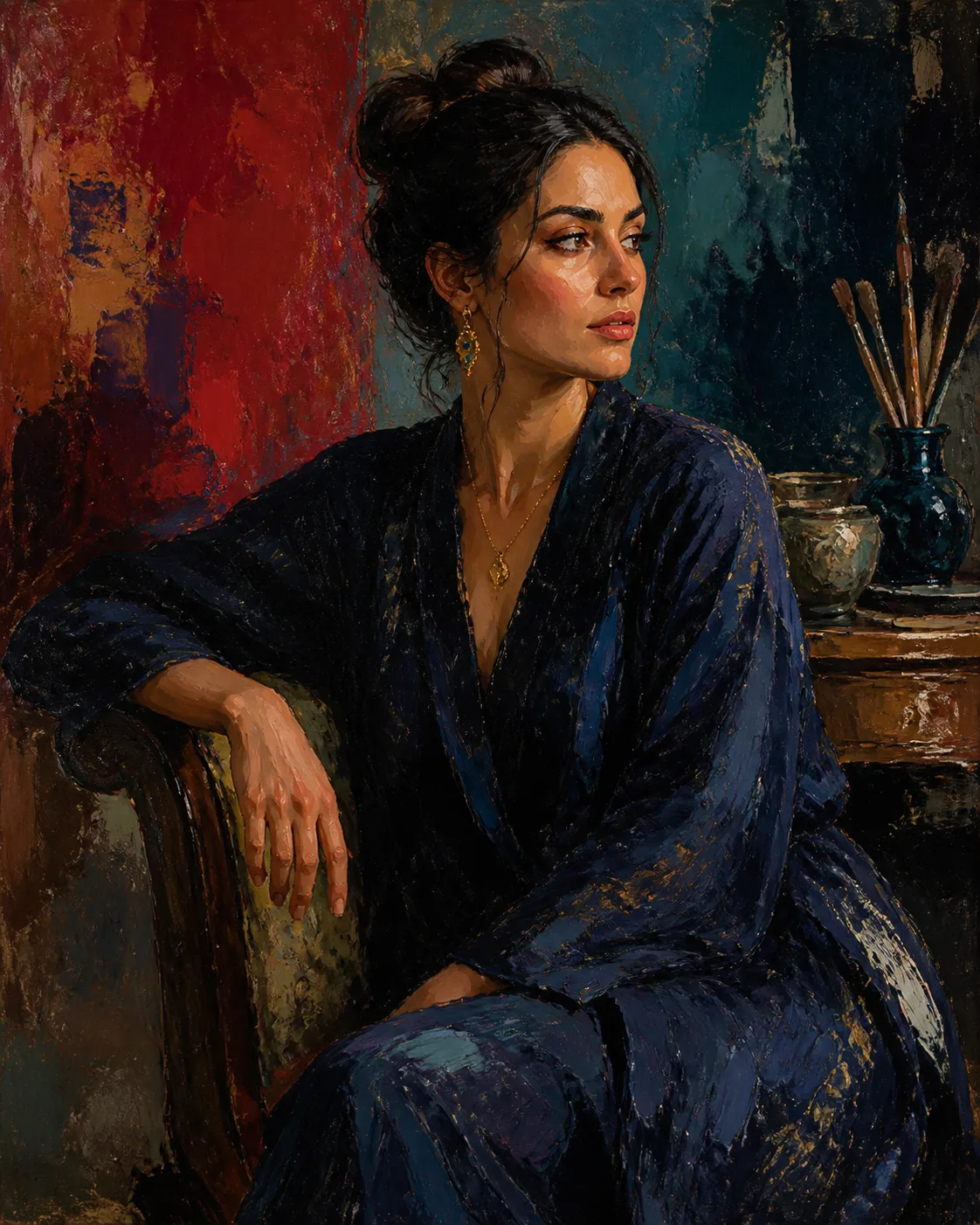

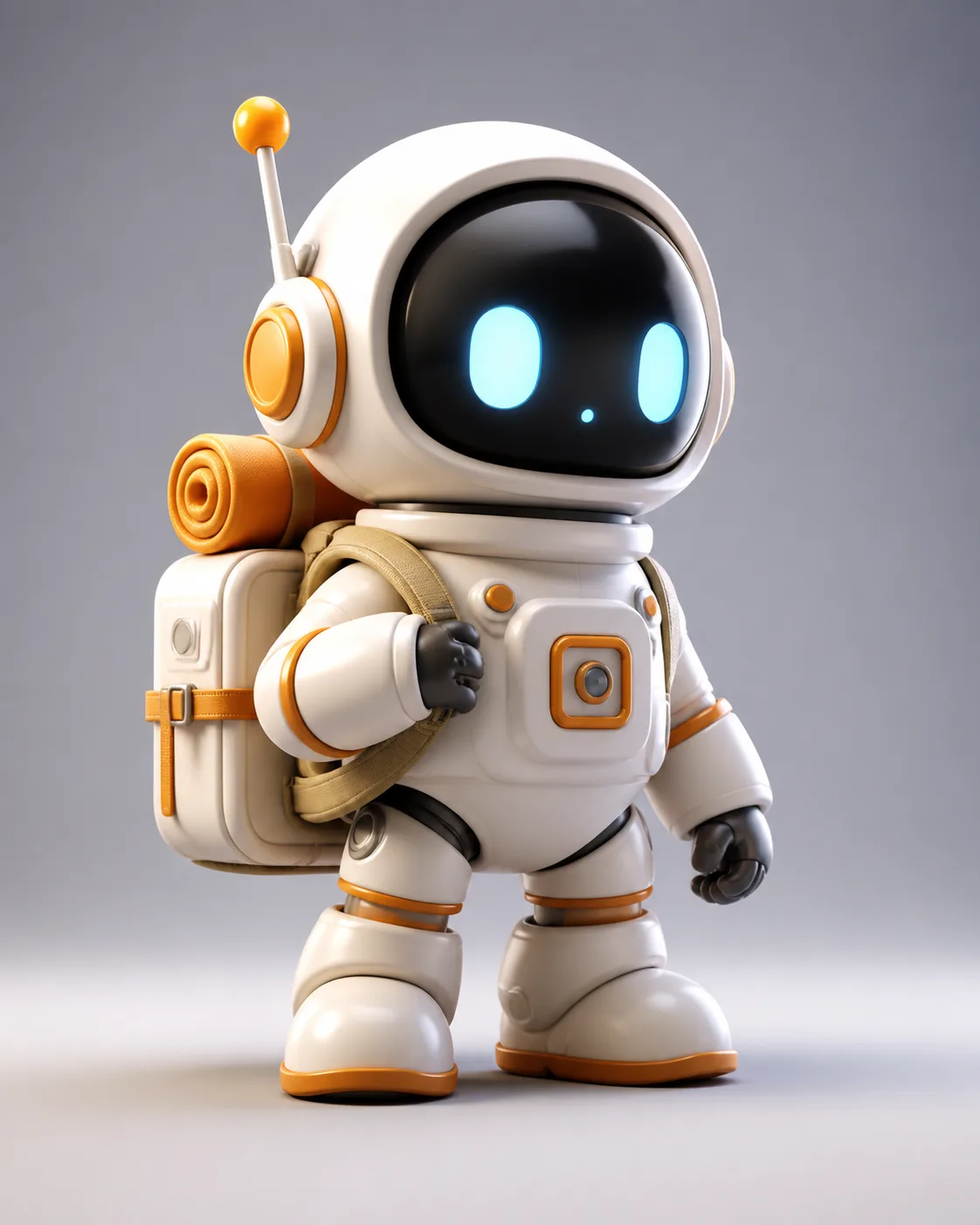

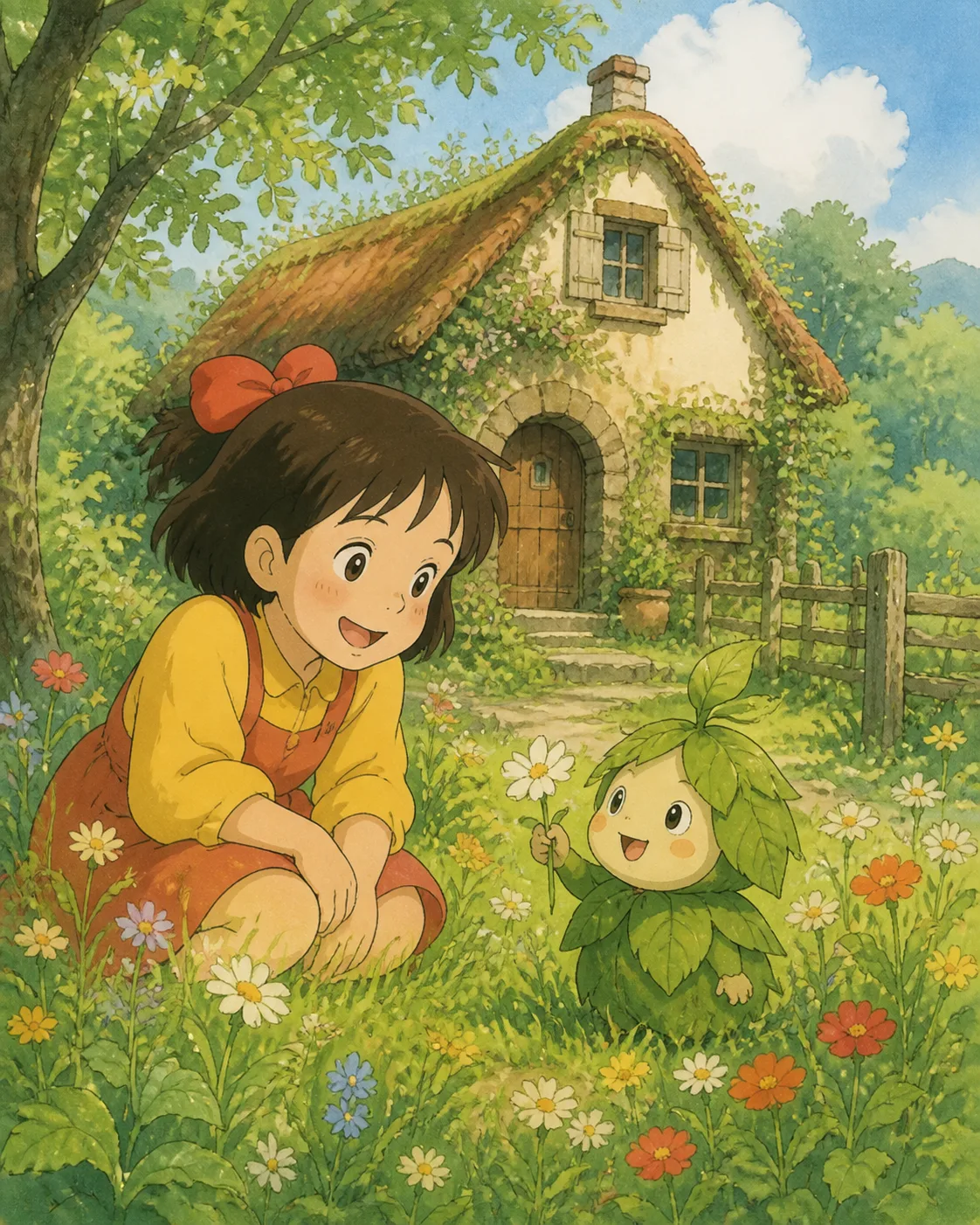

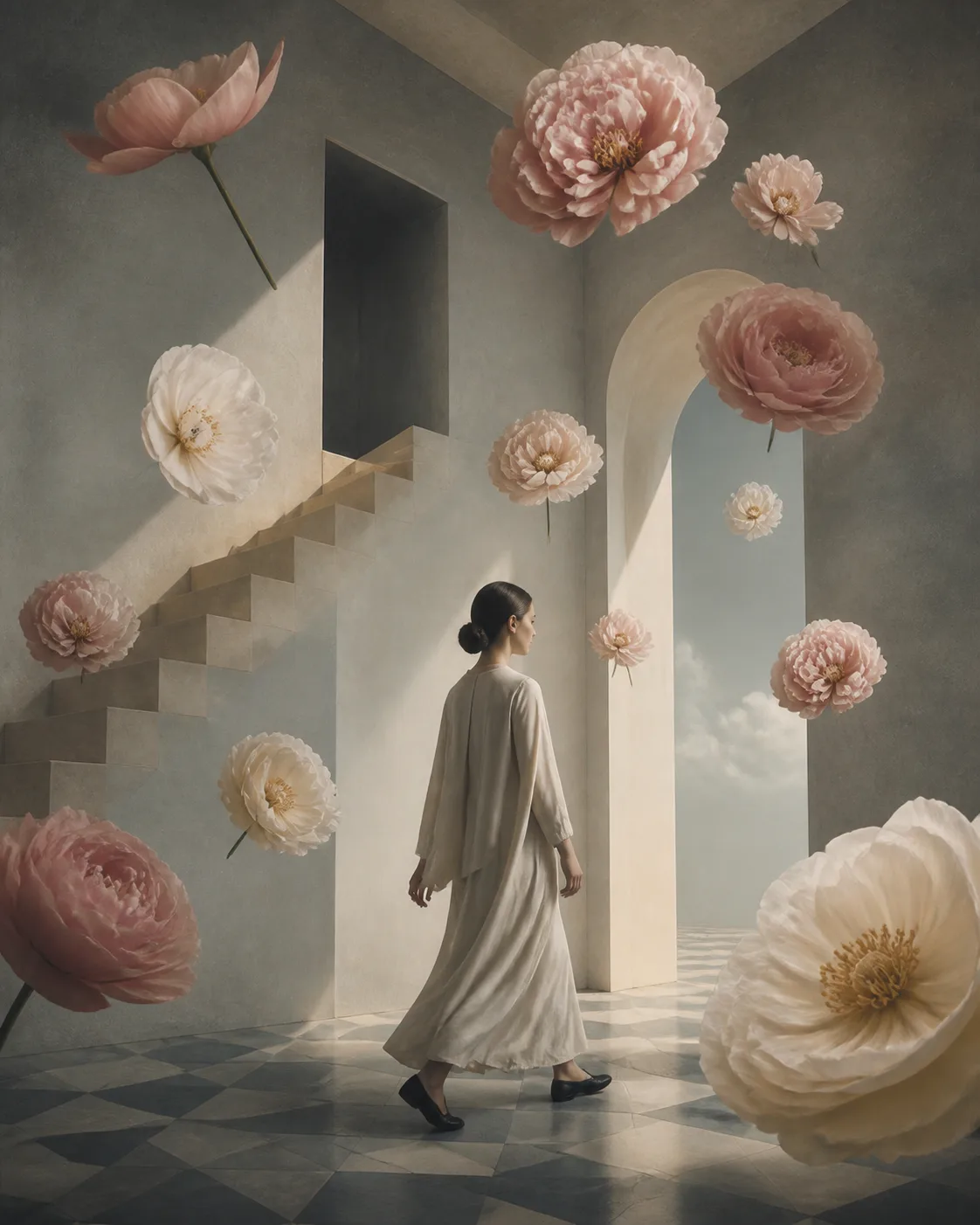
A Style Is a Direction, Not a Full Recipe
A template is a complete creative workflow. A style provides a creative image style rather than a full recipe: upload your own photo and apply the visual direction without building the prompt from scratch.
How to Compare AI Art Styles
Do not choose by style name alone. Compare color range, line work, lighting, material, spatial depth, and composition, then decide whether that visual language suits a portrait, product, environment, concept design, or narrative image. Each AI art style page explains suitable subjects, unsuitable subjects, source-image guidance, and common failure points.
Use an AI Template when you want a complete trend or task with defined inputs and outputs. Choose an AI Art Style when you already have an image and want to change its visual expression. Review the estimated credit cost before generating; the result appears in Workspace and My Works.
- Choose a style by subject and visual characteristics, not only by its thumbnail.
- Upload an image with a clear subject, readable edges, and a composition suitable for transformation.
- Check subject identity, product structure, and key composition before judging the style quality.