

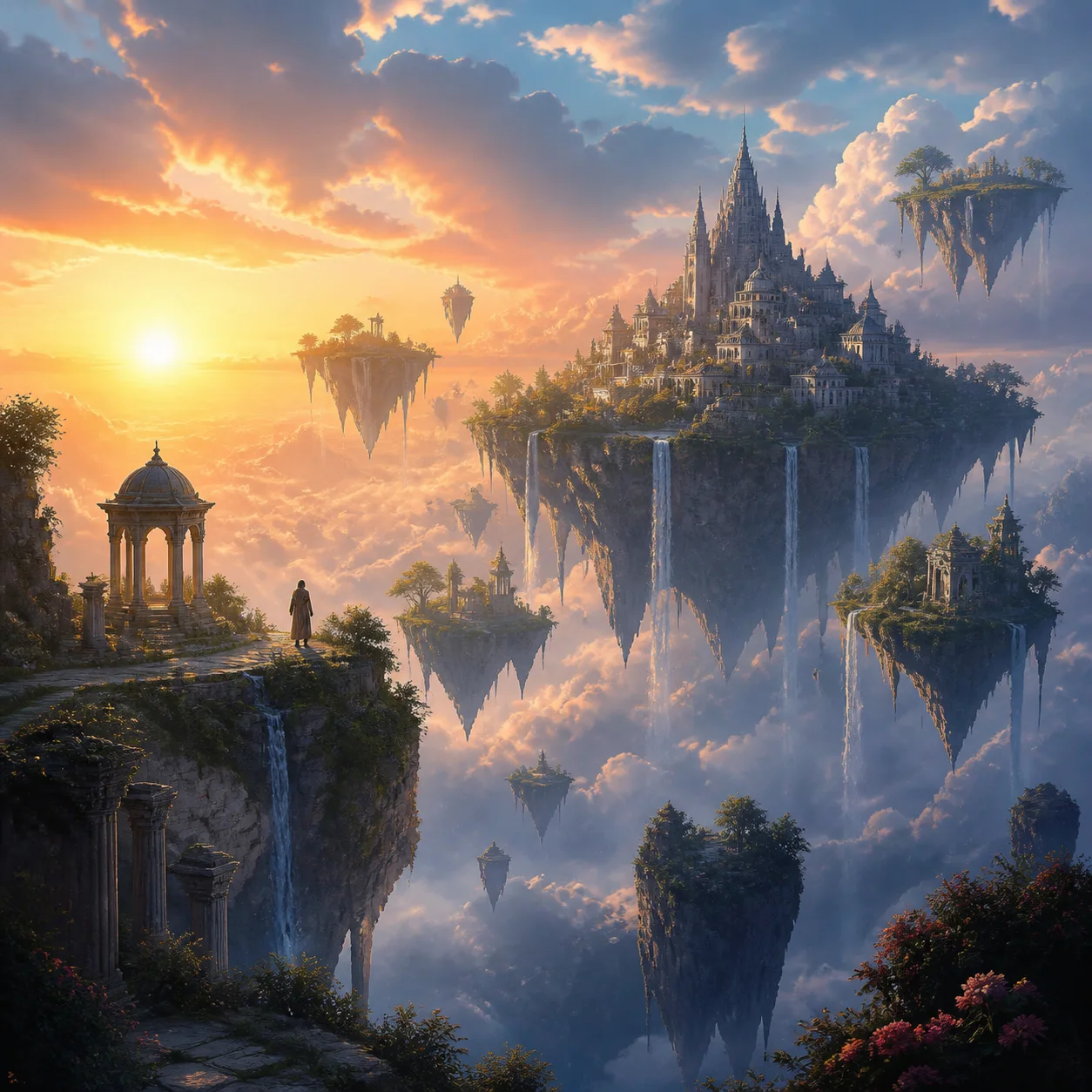
Expected result
A detailed fantasy environment with a clear sense of depth, dramatic scenery, atmospheric light, and one strong focal point.
What to prepare
Write a brief naming the world, focal subject, terrain, atmosphere, light, palette, and intended composition. This template requires: Text → Image
How to use the AI Fantasy World Generator
Prepare the input
Write a brief naming the world, focal subject, terrain, atmosphere, light, palette, and intended composition.
Describe what you want
In the required prompt box, describe one main scene, including the setting, subject, terrain, atmosphere, lighting, colors, and viewpoint. Avoid combining conflicting locations, times of day, or viewpoints.
Generate and review
Review the displayed credit estimate, submit the task, then check the generated result in Workspace.
Suitable use cases
- Game and story world exploration
- Book-cover and campaign backgrounds
- Environment references and wide establishing scenes
Input checklist
- Name one location and one primary focal subject.
- Describe foreground, distance, weather, and light separately.
- Use concrete visual nouns instead of long lists of abstract adjectives.
Why use this template
This template is designed specifically for fantasy environments and world building, while the general text-to-image tool can create any kind of subject or scene.
Related creation templates
Try another template when your input or intended result changes.
Template questions
- What does this template create?
- It turns a written world brief into a layered fantasy environment with coherent scale, atmosphere, and a readable focal point.
- What should I prepare before generating?
- Prepare a concise description of the location, main landmark or character, weather, light, palette, and camera view.
- Where can I use the finished result?
- Common uses include Game and story world exploration; Book-cover and campaign backgrounds; Environment references and wide establishing scenes. Before publishing, check the required dimensions, brand details, and usage rights for the destination.
- What should I check after generating?
- Check that the main subject is clear, the sense of scale is believable, and the environment feels consistent.
- How many credits does this template use?
- The required credits depend on the model and settings used by the template. Genify shows the current estimate before submission, so you can review the cost before generating.
- How long does this template take?
- Processing time varies with the selected model, active settings, and current demand. After submission, follow the task in Workspace for its actual status rather than relying on a fixed completion time.