

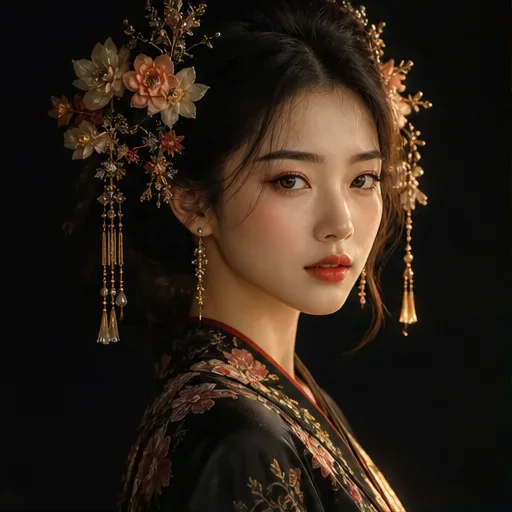
Expected result
A short animated scene that brings the two portrait subjects together in a playful kiss effect.
What to prepare
Upload two clear portraits of consenting adults with visible faces, compatible framing, and similar image quality. This template requires: Two Photos → Video
How to use the AI Kiss Video Generator
Prepare the input
Upload two clear portraits of consenting adults with visible faces, compatible framing, and similar image quality.
Describe what you want
Confirm that both people are consenting adults and that the portraits have similar framing. If you have specific preferences, use the prompt box to describe the mood, camera movement, pace, or setting.
Generate and review
Review the displayed credit estimate, submit the task, then check the generated result in Workspace.
Suitable use cases
- Consensual couple keepsakes
- Playful private social content
- Creative experiments with authorized adult portraits
Input checklist
- Only use consenting adults and images you have permission to process.
- Use similar head scale, camera angle, and lighting.
- Avoid minors, public figures without permission, and deceptive or harmful contexts.
Why use this template
This template is designed for one specific, consensual interaction using two portrait references; it is not a general multi-person video generator.
Related creation templates
Try another template when your input or intended result changes.
Template questions
- What does this template create?
- It uses two authorized adult portraits as references for a short, playful kiss-effect animation.
- What should I prepare before generating?
- Prepare two clear, similarly framed adult portraits and confirm that both people consent to this use.
- Where can I use the finished result?
- Common uses include Consensual couple keepsakes; Playful private social content; Creative experiments with authorized adult portraits. Before publishing, check the required dimensions, brand details, and usage rights for the destination.
- What should I check after generating?
- Check that both people remain recognizable and that their movement and interaction look natural.
- How many credits does this template use?
- The required credits depend on the model and settings used by the template. Genify shows the current estimate before submission, so you can review the cost before generating.
- How long does this template take?
- Processing time varies with the selected model, active settings, and current demand. After submission, follow the task in Workspace for its actual status rather than relying on a fixed completion time.